

Dimension Create
Description
Section titled “Description”Creates a dimension for use and loading
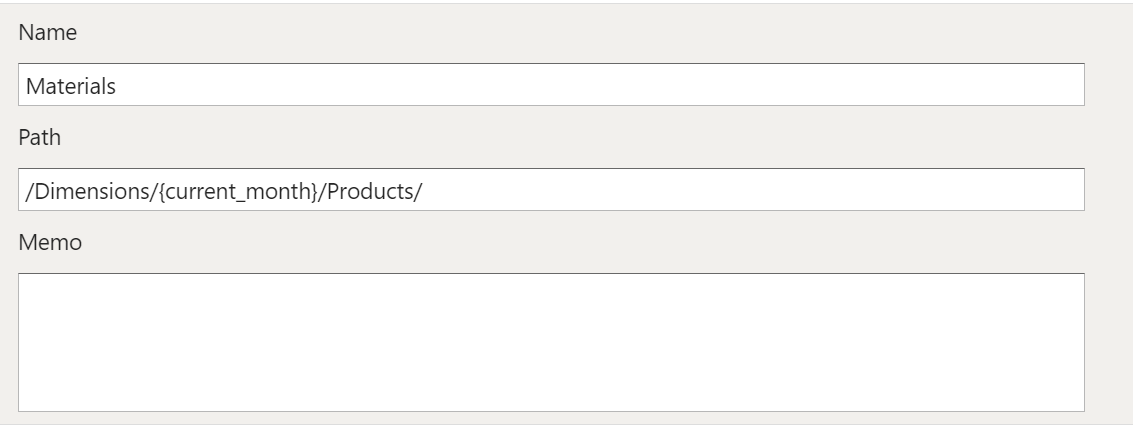
Dimension to Create
Section titled “Dimension to Create”You can either use a specific name for the dimension to be created or include variables for dynamic naming.
Variables are useful when dimensions are updated on a periodic basis and retaining the historical view is desired.
An example that uses the current_month variable to dynamically name the dimension:
dimension_name_{current_month}Paths let you create folder structures that the dimensions are are stored in. You can use variables here as well to make the folder structure dynamic.
An example that uses the current_month variable to dynamically name a folder:
/Dimensions/{current_month}/Product/The Memo field is used a place to store comments or notes.